
Know who is in the plant, and what is where.
Restricted and danger zones drawn on your own plans. A head-count by muster point when the siren goes. Tools, instruments and mobile plant on the map, with what is used and what stands idle.
The problem
The questions you can't answer today.
“Is a contractor in a danger zone right now?”
Restricted areas with no alert and no record of who went in.
“When the siren goes, who is accounted for?”
A paper roll-call at the muster point, and no list of who is missing.
“Where is the calibrated instrument, the spare pump, the tool kit?”
Tools and spares walk, and time is lost looking for them.
“Is that equipment used, or do we need more?”
No view of utilisation before the next purchase.
How MeshTrack answers them
One platform, from the map to the report.
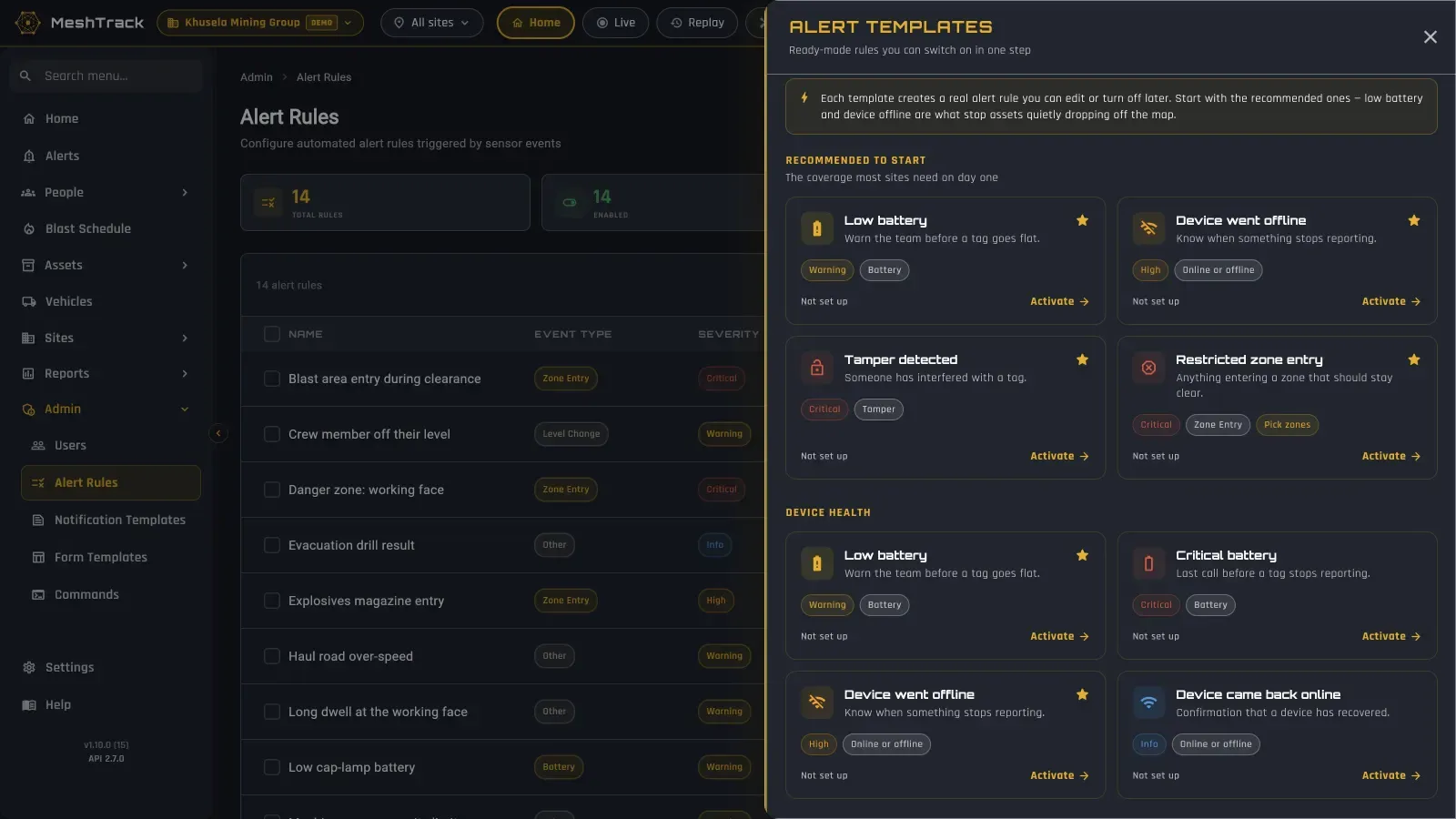
Built on your own plans, with rules your team switches on from a template.
Restricted and danger zones
Zones drawn on your own plans, with alerts to named people the moment someone enters. Every entry stays on record, with how long they stayed.
Contractors and visitors
Contractors and visitors on the map alongside your own staff, on shifts and rosters.
Muster and roll-call
Head-count by muster point from each person's last known position, unaccounted personnel listed, and drill results on record. On the mobile app for wardens.
Panic buttons and "movement stopped"
Panic buttons on supported tags (one press for High, two for Critical) and a rule for a tag that stops moving.
Tools and equipment
Tools, instruments, mobile plant and spares on the map, with utilisation and idle reports, tamper and battery status.
Conditions
Temperature and humidity from sensor tags, and readings from plant sensors connected through Sethala Nexus.
Dashboards per person
Busy hours, movement, alerts over time and device health, with any saved report as a widget.
Into maintenance, ERP and BI
A REST API and event stream, and signed webhooks to your control room.
The technology mix
Rugged where it has to be, light where it can be.
Plants mix wet, dusty production areas with offices and workshops that already have a network. Use the right technology for each.
Production floor, wet or dusty areas
Wirepas mesh on IP67 hardware
BlueUp Brick battery anchors and BlueUp TinyGateway PoE Outdoor gateways. The mesh heals itself, and battery anchors keep it running through a power trip.
Offices and workshops with network
Bluetooth gateways
Minew G1 or MOKO MKGW1 gateways on Ethernet and PoE; the position is the room or zone.
Machines, rooms and stores
Sensor tags
Temperature, humidity, movement, tamper and battery from tags such as the Teltonika EYE Sensor Mesh.
Plant and utility sensors
Sethala Nexus
Sensors over LoRaWAN, Sigfox, Wi-Fi, LTE or IDLINK, each with its own decoder, feeding dashboards, alerts and the API.
Lone workers
Tags with a panic button
BlueUp Card BUT, MOKO MK Button or Minew MWC01 badges.
Yard vehicles and outdoor plant
GPS/LTE trackers
Any Teltonika GPS tracker, on the same map as the plant.
MeshTrack is vendor- and technology-agnostic: several technologies can share one site, and every reading feeds the same map, alerts, reports and replay. See the platform.
Outcomes
What changes.
- 01
Every entry on record
Restricted and danger-zone alerts, with every entry and its duration on record.
- 02
A muster head-count you can trust
Head-count by muster point, including unaccounted personnel, for wardens on the mobile app.
- 03
Tools found and used
Tool utilisation, tamper and battery status.
- 04
Your systems, fed
Data into maintenance, ERP and BI.
Start small
Start with one area, or one line.
Prove it where it matters most, against success criteria agreed up front, then the rest of the plant.
- 1 Pick one area or one production line.
- 2 Import the plant drawings (DXF or DWG) and draw the restricted zones and muster points. We review the design before installation.
- 3 Tag the people and the tools, and switch on the rules you need from the template gallery.
- 4 Run a muster drill, measure against the agreed criteria, then extend.
Related
The same platform, elsewhere.
Mining
Underground and open pit
Underground Now level by level, muster and roll-call, blast clearance, and the surface fleet on geofences. Supports your Regulation 16.7 duty.
Read moreHealthcare
Hospitals, clinics and groups
Find equipment on its floor and in its room, see what stands idle, and watch rooms and fridges.
Read moreLogistics & warehousing
Depots, DCs and fleets
Vehicles between depots, forklifts and cages inside, and dwell at gates and docks.
Read morePeople & safety
Who is on site, and where
Shifts, On site and Underground Now, muster, restricted zones and panic buttons, with an open privacy model.
Read moreIndustrial & manufacturing
Know who is in the plant.
Tell us about your plant: the zones that matter, how you muster today and the tools that go missing.